
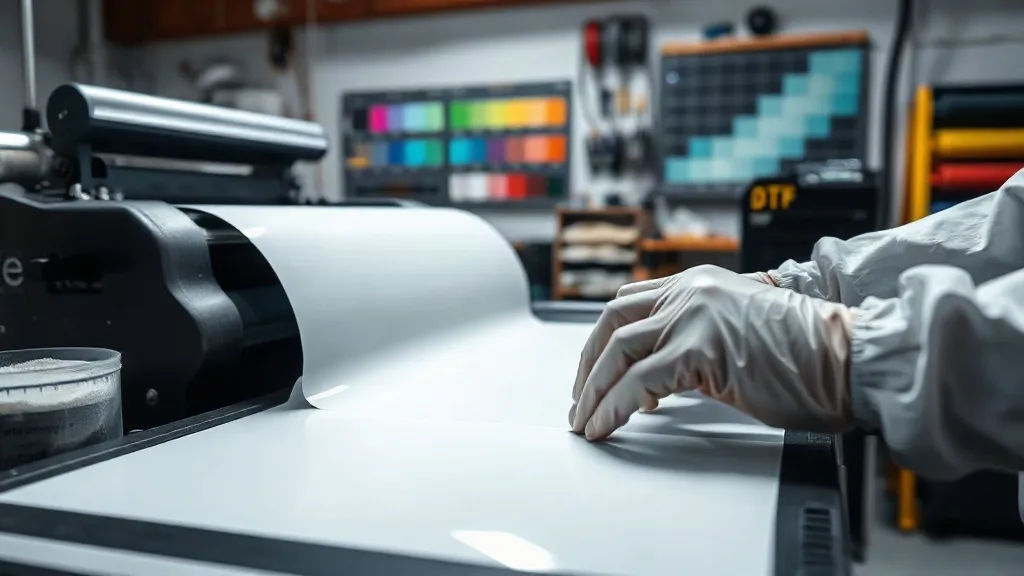
You've dialed in your printer, your powder application is consistent, and your press settings are dialed. Yet somehow, a batch of dtf transfers comes out with patchy white ink, or the print cracks after the first wash. It happens to every shop. The difference between a frustrating day and a profitable one is knowing how to diagnose the defect quickly and apply the right fix. This guide walks through the most common DTF print failures, what causes them, and the exact steps to resolve them without wasting film or time.
Why DTF Prints Fail: The Core Variables
Before diving into specific defects, it helps to understand the four pillars of a reliable dtf process: ink, powder, film, and press. Each interacts with the others, so a change in one often requires adjustments in another. For example, increasing white ink density might demand more powder to fully saturate the wet layer. Similarly, a new film brand may need a different peel temperature. When a defect appears, resist the urge to change multiple variables at once. Instead, isolate the likely culprit by testing one adjustment at a time. Keep a log of your settings and environmental conditions; patterns will emerge that point directly to the root cause.
Defect 1: Patchy or Missing White Ink
This is perhaps the most common complaint among dtf printers. The white layer appears uneven, with visible gaps or a speckled look, especially after pressing. Several factors can cause this:
- Clogged printhead: White ink is pigment-heavy and settles quickly. If the printer sits idle for even a few hours, nozzles can clog. Run a daily nozzle check and a weekly flush.
- Low ink viscosity: If the white ink is too thin, it may not lay down a solid layer. Ensure you're using the correct ink for your printer and that it's within its shelf life.
- Insufficient powder application: Powder must fully cover the wet white ink. If you're shaking powder by hand, you're likely missing spots. Invest in an automated shaker or use a powder application unit.
- Film incompatibility: Some films have a coating that doesn't accept certain inks well. Try a different film brand or batch.
To fix patchy white, start with a nozzle check and a test print. If the pattern is consistent, the issue is likely ink or film. If it's random, suspect powder application or curing.
Defect 2: Cracking or Flaking After Wash
A print that looks perfect off the press but cracks after a few washes is a heartbreaker. The culprits usually fall into three categories: under-curing, over-stretching, or poor powder adhesion.
Under-Curing
Powder must melt and fuse with the ink to form a flexible, durable layer. If the powder isn't fully melted, the print will be brittle. Check your curing oven or heat press temperature. Most powders require 160-170°C (320-340°F) for 60-90 seconds. Use an infrared thermometer to verify the actual temperature at the film surface, as oven dials can be off by 10-20 degrees.
Over-Stretching
Even a perfectly cured print has limits. If the garment is stretched beyond the print's elongation capacity, the ink will crack. This is especially common on areas like the shoulder or chest where the fabric flexes. Choose a powder with high elasticity for stretchy fabrics, and consider a lower press pressure to avoid flattening the ink.
Poor Powder Adhesion
If powder doesn't stick to the ink, it won't fuse. This can happen if the ink is too dry before powder application (e.g., in a very dry environment) or if the powder is contaminated with moisture. Store powder in an airtight container with a desiccant pack.
Defect 3: Color Shift or Fading
Colors that look vibrant on screen but dull on the shirt point to color management issues. But if colors shift after washing or over time, the problem is likely ink or powder related.
- Ink expiration: DTF inks have a shelf life, typically 6-12 months. Expired ink can lose vibrancy and adhesion.
- Improper storage: Ink should be stored in a cool, dark place. Exposure to sunlight or heat can degrade pigments.
- Powder yellowing: Some low-quality powders yellow over time, especially when exposed to UV light. Use a high-grade powder and store printed transfers away from direct sunlight.
- Wash temperature: Washing in hot water can cause dyes from the garment to bleed into the print, especially on dark colors. Always wash inside out in cold water.
If you notice a consistent color shift, print a color chart and compare it to a known good print. If the chart looks off, it's an ink or printer issue. If only certain colors shift, it could be a profile problem.
Defect 4: Powder Not Melting or Excessive Shine
Powder that doesn't melt fully leaves a gritty texture. This is usually due to insufficient heat or time. Check your curing unit's actual temperature and belt speed. If the powder melts but leaves a glossy, plastic-like finish, you're over-curing. Reduce temperature or time slightly. Also, ensure powder is applied evenly; excess powder can create a thick, shiny layer.
Defect 5: Peel Issues (Cold vs. Hot Peel)
Peeling problems manifest as the print tearing or the film not releasing cleanly. This often comes down to using the wrong peel method for your film. Most films are cold peel, meaning you must let the transfer cool completely before peeling. Peeling while hot can stretch the ink and cause distortion. If you're using a hot-peel film, follow the manufacturer's instructions precisely. Also, ensure the press is applying even pressure; a worn platen or uneven pressure can cause partial adhesion.
Preventive Maintenance: The Best Troubleshooting
The most effective way to avoid defects is to maintain your equipment and environment. Here's a quick checklist:
- Daily: Nozzle check, clean capping station, check ink levels.
- Weekly: Flush white ink lines, clean encoder strip, check powder for clumps.
- Monthly: Replace wiper blade, clean fans and filters, calibrate temperature sensors.
- Environmental: Keep humidity between 40-60% and temperature stable. Use a hygrometer.
When you need reliable supplies to keep your workflow smooth, sourcing quality dtf transfers near me can make a difference. Look for suppliers who provide consistent film and powder, as these are the foundation of defect-free prints.
Frequently Asked Questions
Why does my DTF transfer look great before washing but crack afterward?
Cracking after washing is almost always a curing issue. The powder didn't fully melt and fuse with the ink, leaving a brittle layer. Increase curing temperature or time, and verify with an infrared thermometer. Also, ensure the garment is washed inside out in cold water and not put in a hot dryer.
How can I tell if my white ink is expired?
Expired white ink often appears separated or clumpy. Shake it well; if it doesn't mix to a smooth consistency, it's likely expired. Also, check the date on the bottle. Using expired ink can lead to clogs and poor adhesion.
What causes a glossy finish on DTF prints?
A glossy finish usually means over-curing: the powder melted too much and formed a smooth, reflective surface. Reduce curing temperature or time slightly. Also, ensure you're not applying too much powder; excess powder can create a thick, shiny layer.
Can I use DTF transfers on 100% polyester?
Yes, DTF works well on polyester, but you need to adjust press settings. Polyester is heat-sensitive, so use a lower temperature (around 140-150°C) and press for a shorter time to avoid scorching. Also, choose a powder with good elasticity to handle the fabric's stretch.
How do I store DTF transfers to prevent defects?
Store printed transfers in a cool, dry place away from direct sunlight. Keep them flat or rolled loosely to avoid creasing. Use an airtight container with a desiccant pack to prevent moisture absorption, which can cause powder to clump and fail to melt properly.